

Share / Free preview
Expolumi OneDrive Album (Preview)
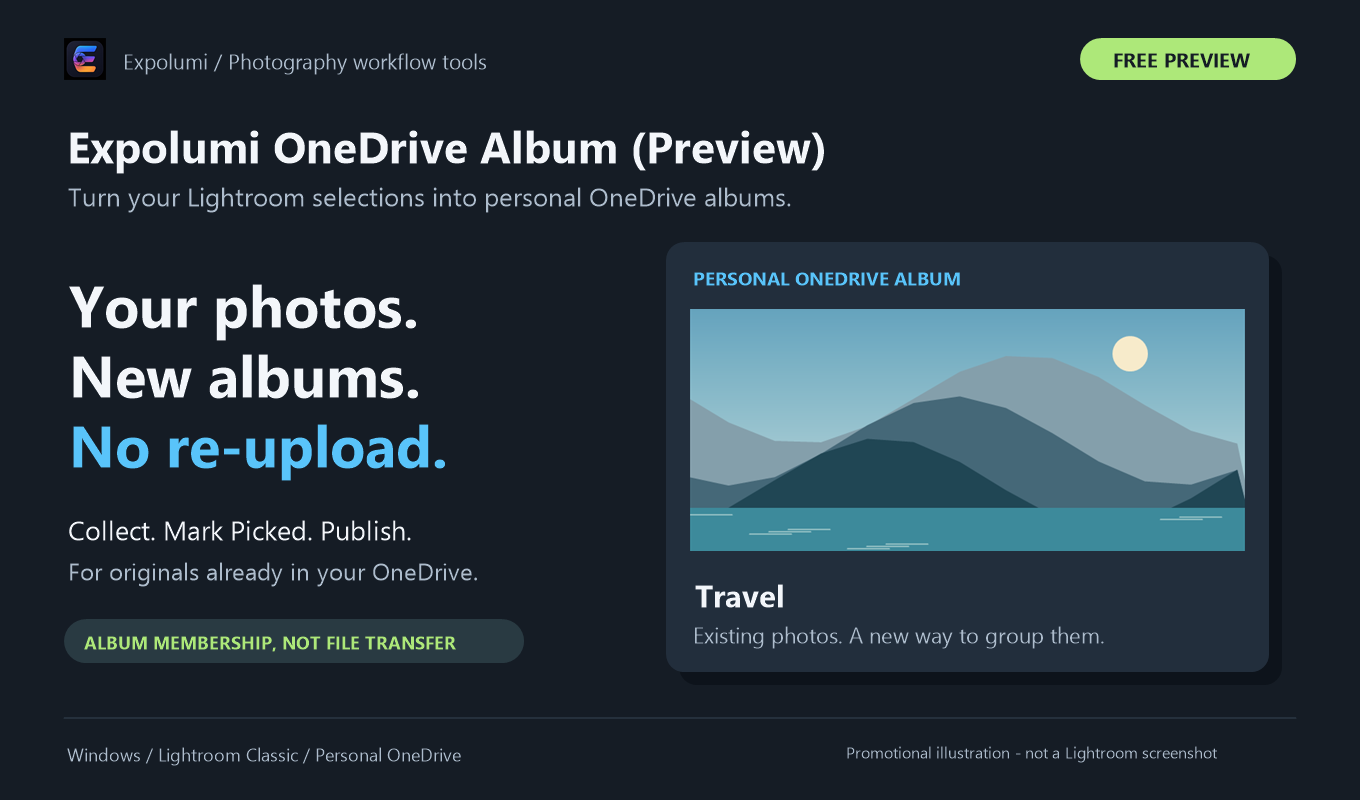
Organize photos that are already in your personal OneDrive into albums, from Lightroom Classic on Windows. Publish album membership, not new photo files.
A free preview with no purchase required. Public download and marketplace availability are not confirmed.
What it does
Albums from your collections.
For the photos you keep for yourself.
Collections become albums
Each collection in the album publish service becomes a OneDrive album, and adding photos there adds them to the album.
No uploads
The plug-in works with photos already synced to OneDrive. It does not upload photo files, replace them, or delete source files.
Existing albums
Optionally list the albums you already have in OneDrive and add new photos to them.
Personal OneDrive on Windows
Built for Windows Lightroom Classic and personal Microsoft accounts. OneDrive for Business is not supported.
Where it fits
Beside the stock workflow.
Publishing Workflow's Album mark shows which photos belong in your personal albums.
- 01 / Plan
Decide where it goes
Mark photos for stock or exclusive art and pick a license type for each agency. They become Candidates.
- 02 / Describe
Describe it well
Draft titles, captions, and keywords with AI, then review every suggestion. The license type picks commercial or editorial wording.
- 03 / Publish
Send it to agencies
Candidates wait in each agency's publish service, including Lightroom's own Adobe Stock service. You decide when to click Publish.
- 04 / Track
Know where it stands
Published photos are marked Submitted. Record Accepted or Rejected once the agency has reviewed them.
And for your own albums: photos you mark Album can go into personal OneDrive albums.
Pluggable by design. OneDrive Album works on its own, and so does every other Expolumi plug-in. Use one, some, or all.
Details
Before you start.
- Requirements
- Lightroom Classic on Windows, a personal Microsoft account, and photos in a folder synced by the OneDrive app.
- Preview status
- Native Lightroom and live OneDrive Photos tests are pending. The preview is distinct from any future commercial listing.
- Works with
- Publishing Workflow marks photos for albums. It is not required.
- Your data
- See privacy and data handling.
Set it up